
Step 1
Upload your file
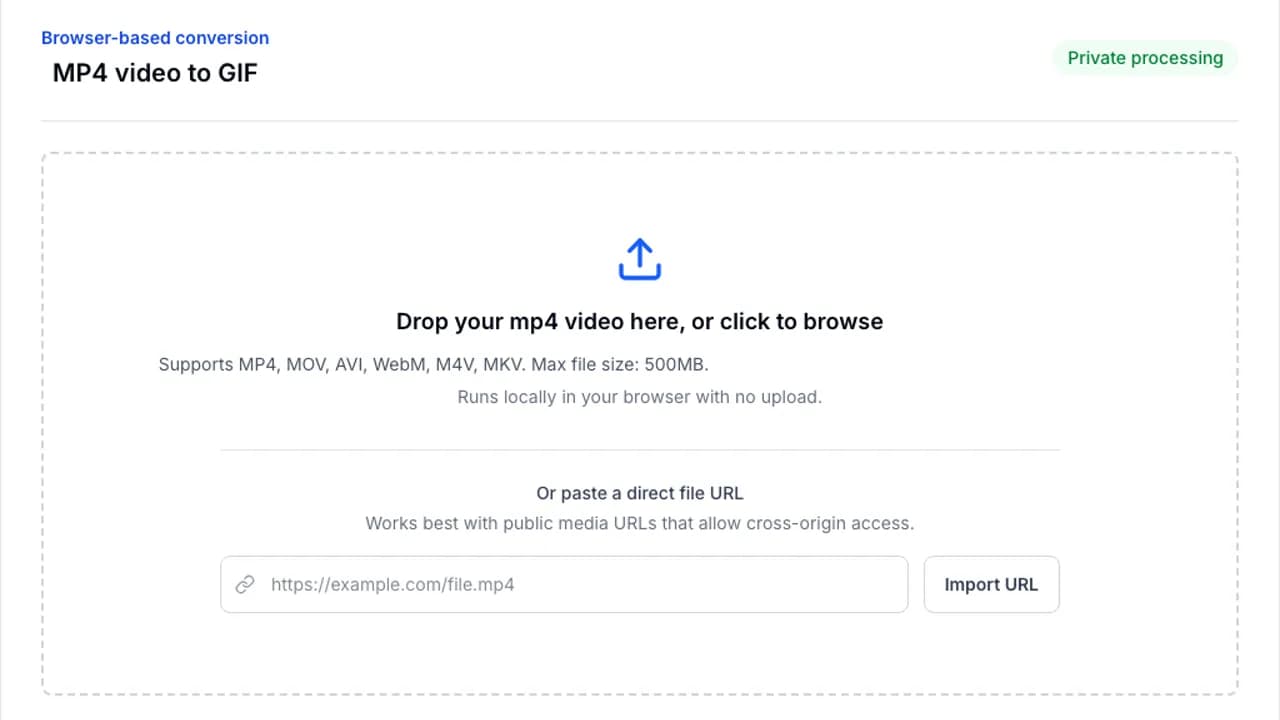
Drop your file into the converter or browse from your device. Processing stays in your browser.
Perfect for browser recordings and screen captures.
Convert WebM clips into GIFs for sharing in chats, docs, and social posts. Ideal for browser recordings, product demos, and quick loops.
Browser-based conversion
Or paste a direct file URL
Works best with public media URLs that allow cross-origin access.
WebM files already work well in browsers, so they make excellent source files for quick GIF exports.
Step 1
Drop your file into the converter or browse from your device. Processing stays in your browser.
Step 2
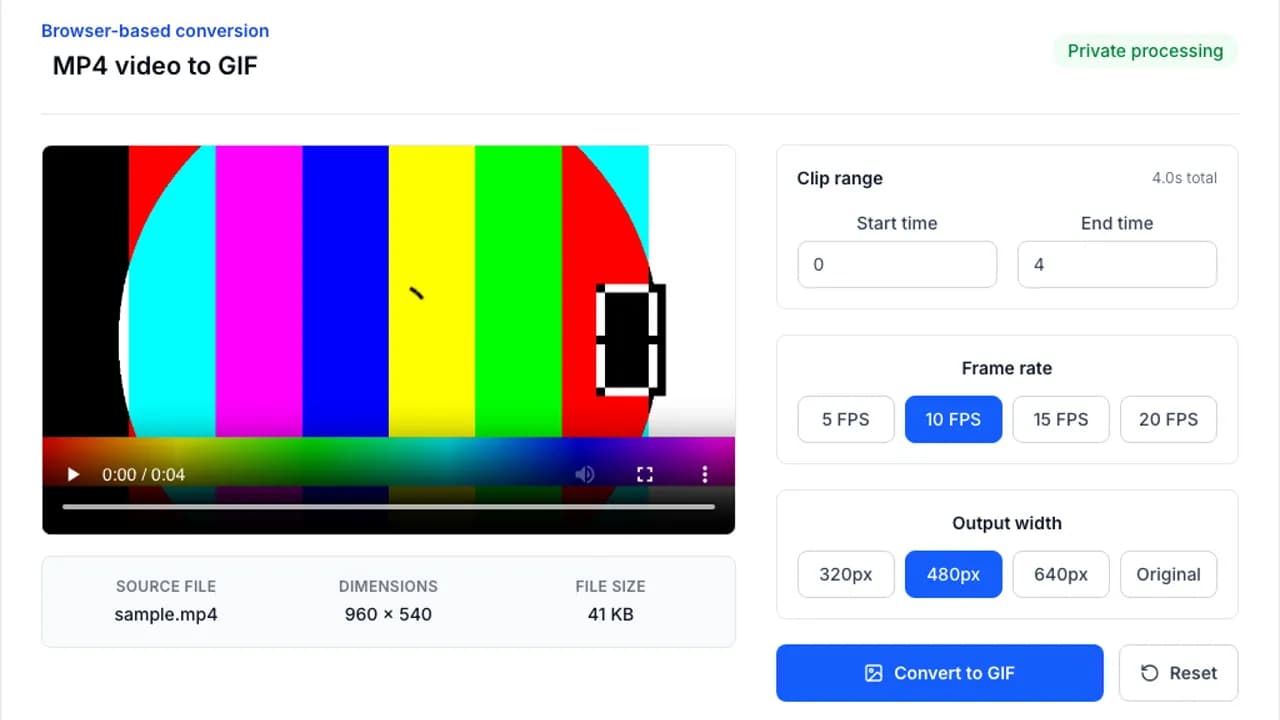
Adjust clip length, frame rate, width, or optimization settings to match the platform you are targeting.
Step 3
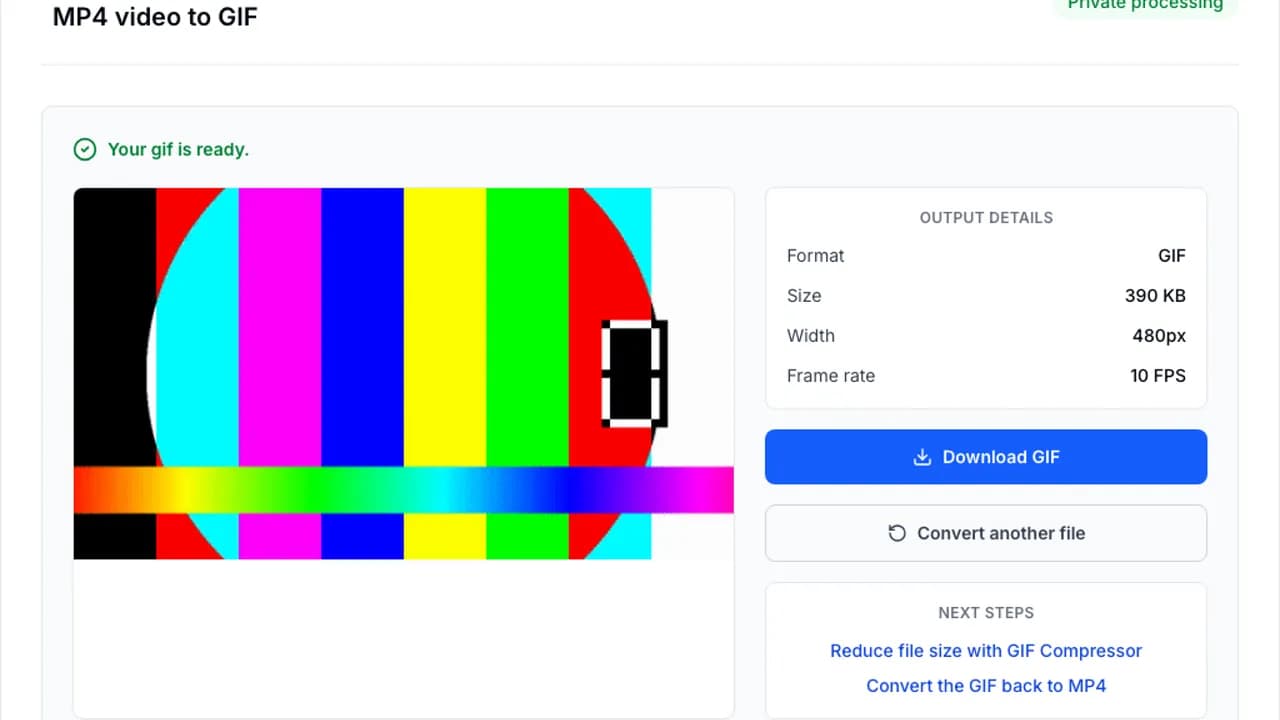
Run the conversion with FFmpeg.wasm, preview the result, and save the finished file immediately.
Screen captures and browser demos usually look best with conservative settings.
Jump into the next converter without starting over.
Convert MP4 to GIF instantly in your browser. No file upload, 100% private, free forever. Choose FPS, width, and clip range in seconds.
Convert MOV to GIF online. Free, private, and easy to use from iPhone, iPad, or Mac screen recordings.
Convert animated GIFs to WebP online. Get smaller files and keep animation quality in a modern format.
Answers to the questions people ask most before converting a file.