
Step 1
Upload your file
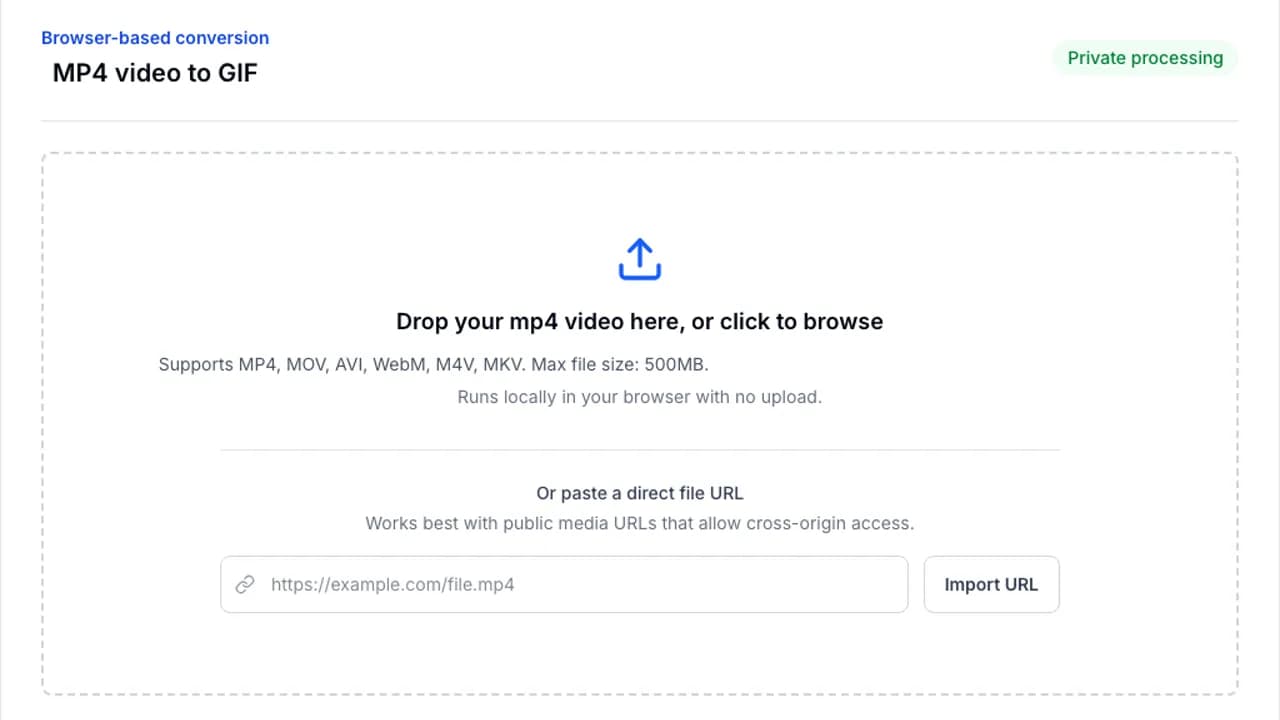
Drop your file into the converter or browse from your device. Processing stays in your browser.
Useful for older exports and screen captures.
Turn older AVI files into compact GIFs for chat, documentation, and support workflows. Everything happens locally in your browser.
Browser-based conversion
Or paste a direct file URL
Works best with public media URLs that allow cross-origin access.
Older AVI files can still become clean, shareable GIFs with the same trim-and-export workflow.
Step 1
Drop your file into the converter or browse from your device. Processing stays in your browser.
Step 2
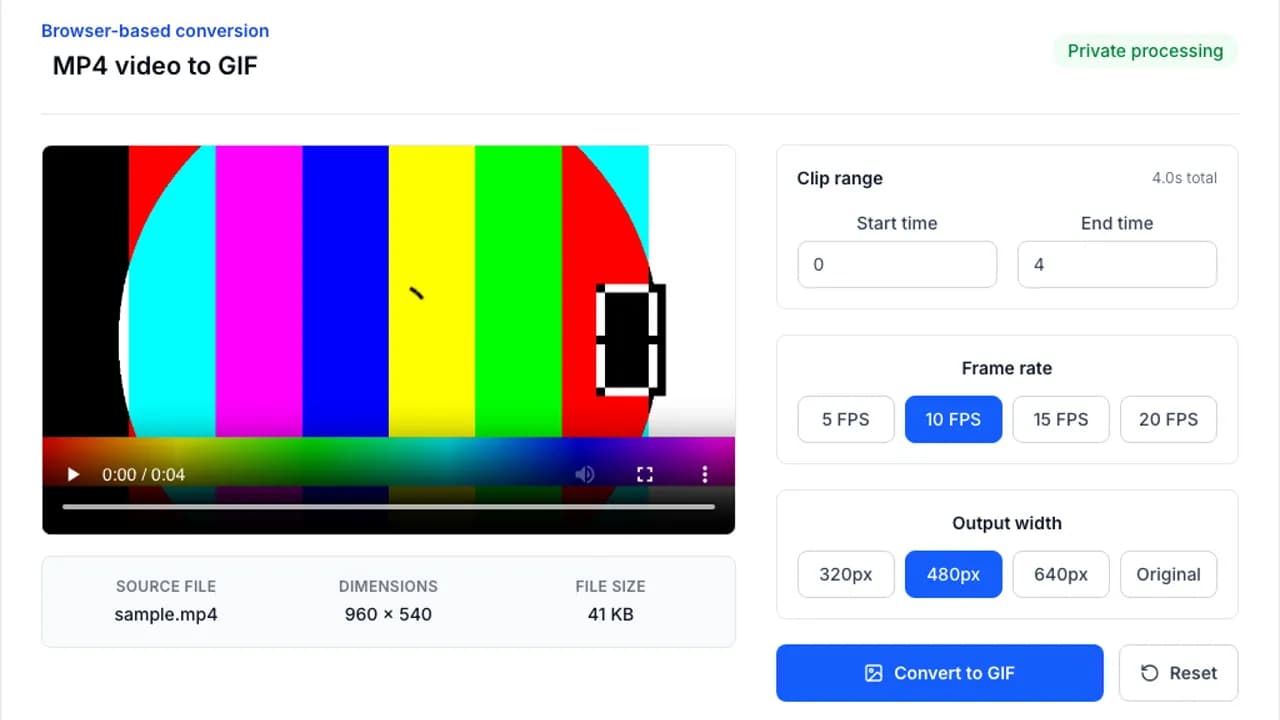
Adjust clip length, frame rate, width, or optimization settings to match the platform you are targeting.
Step 3
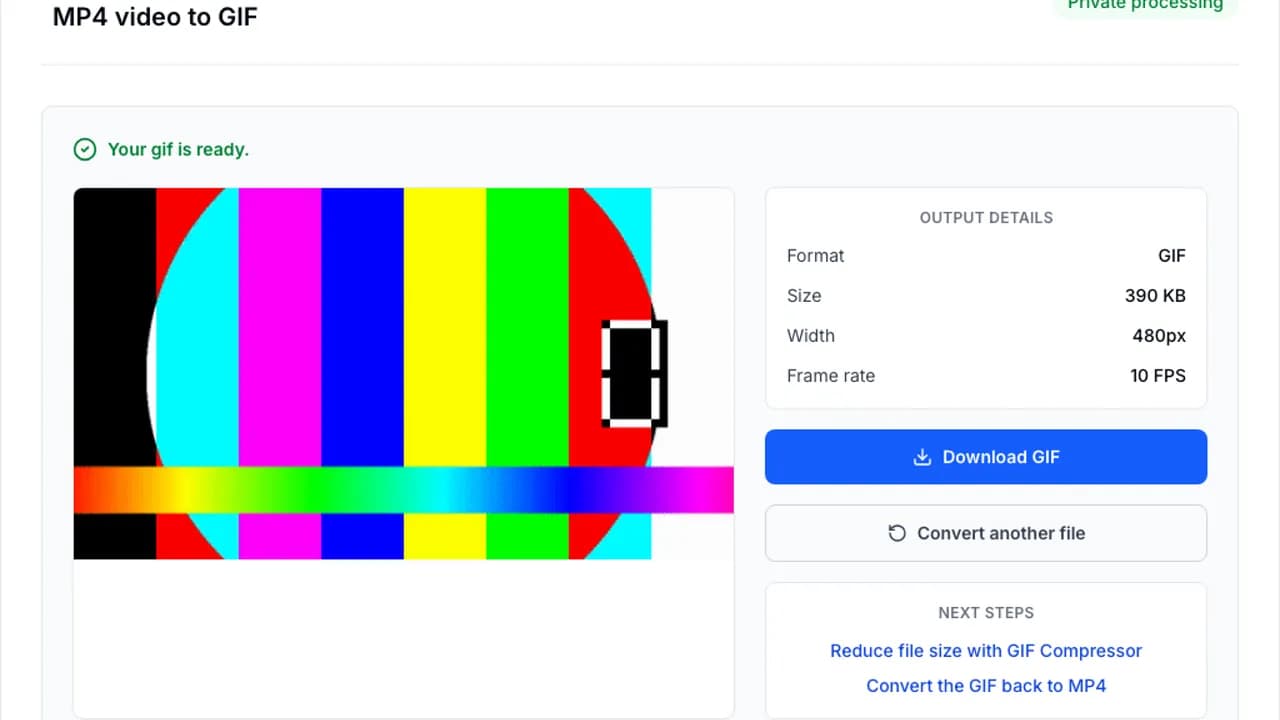
Run the conversion with FFmpeg.wasm, preview the result, and save the finished file immediately.
AVI sources are often large, so optimization matters right away.
Jump into the next converter without starting over.
Convert MP4 to GIF instantly in your browser. No file upload, 100% private, free forever. Choose FPS, width, and clip range in seconds.
Convert MOV to GIF online. Free, private, and easy to use from iPhone, iPad, or Mac screen recordings.
Compress GIFs online to reduce file size. Resize, lower FPS, and optimize colors directly in your browser.
Answers to the questions people ask most before converting a file.