
Step 1
Upload your file
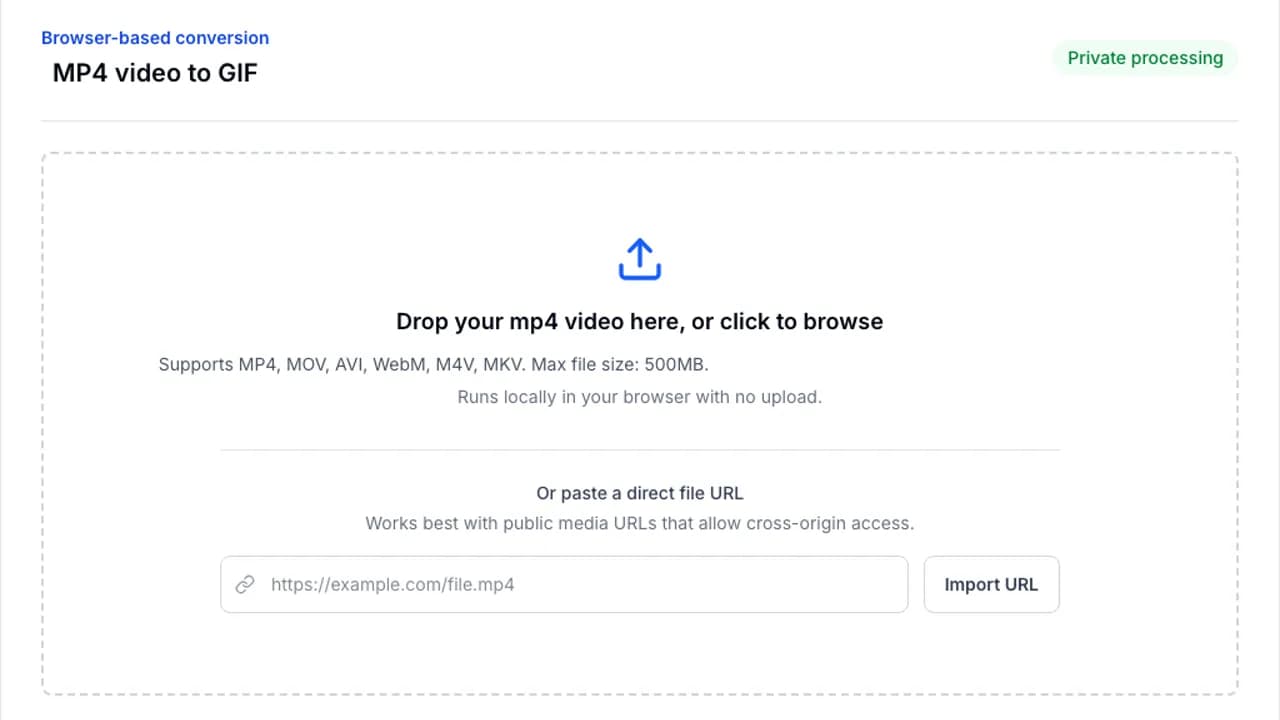
Drop your file into the converter or browse from your device. Processing stays in your browser.
Made for Discord, docs, and upload limits.
Shrink large GIFs without leaving your browser. Lower the frame rate, resize the animation, and reduce the color palette to fit strict upload limits.
Browser-based conversion
Or paste a direct file URL
Works best with public media URLs that allow cross-origin access.
Upload the GIF, adjust the settings that affect file size most, and export a smaller version.
Step 1
Drop your file into the converter or browse from your device. Processing stays in your browser.
Step 2
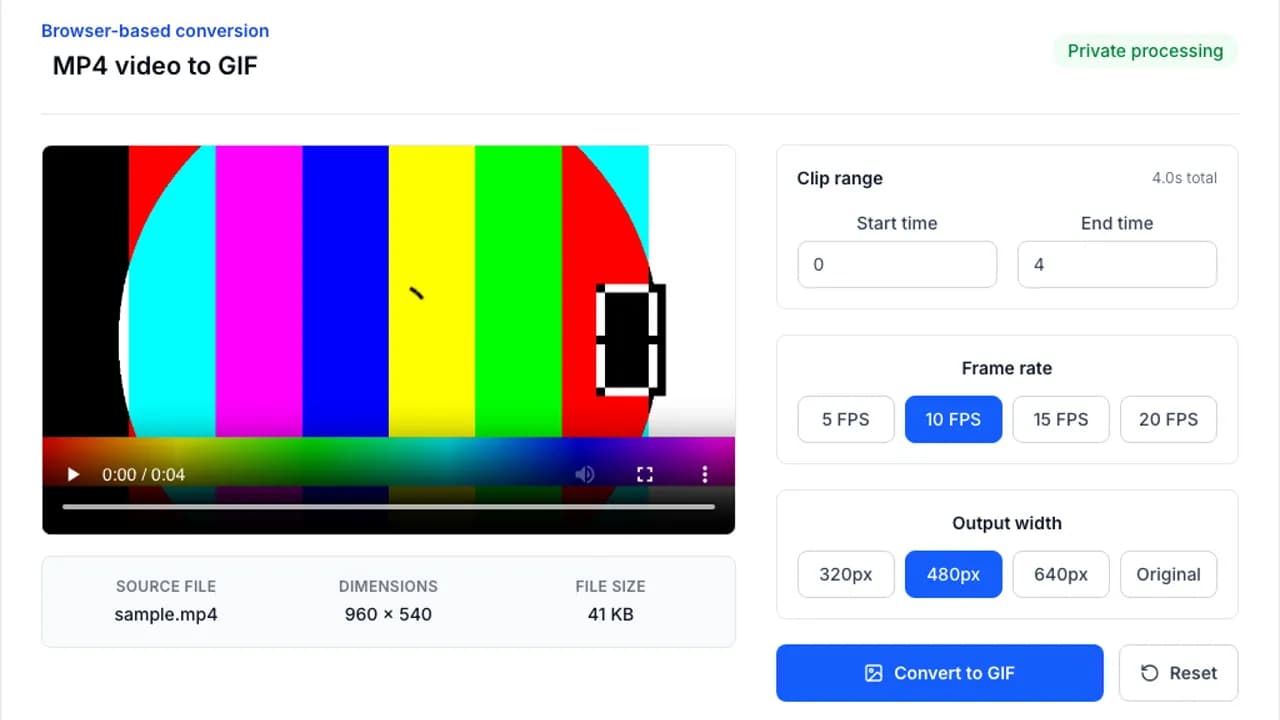
Adjust clip length, frame rate, width, or optimization settings to match the platform you are targeting.
Step 3
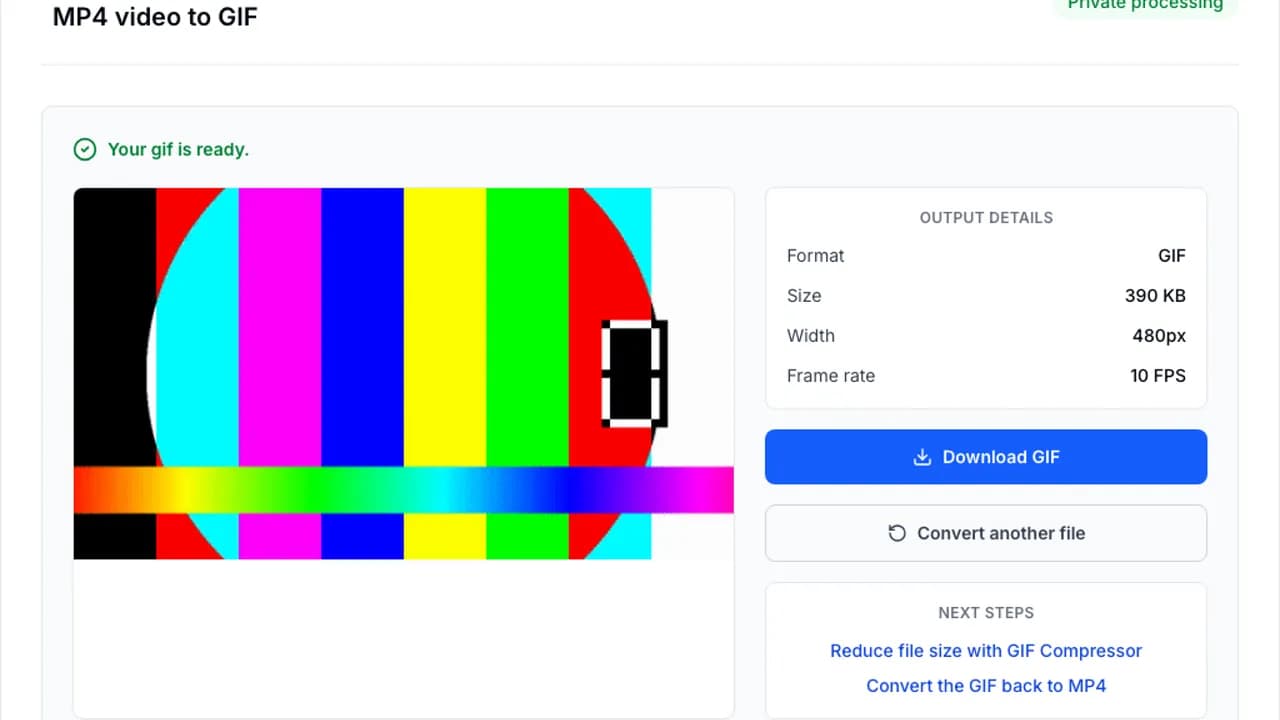
Run the conversion with FFmpeg.wasm, preview the result, and save the finished file immediately.
The biggest wins usually come from width, FPS, and color count rather than clever tricks.
Jump into the next converter without starting over.
Convert MP4 to GIF instantly in your browser. No file upload, 100% private, free forever. Choose FPS, width, and clip range in seconds.
Convert animated GIFs to MP4 video files online. Free, no signup, no watermark, and processed locally in your browser.
Convert animated GIFs to WebP online. Get smaller files and keep animation quality in a modern format.
Answers to the questions people ask most before converting a file.